top of page
.png)
Forgot Password
Navigate to the MGOconnect Customer Portal
-
Go to mgoconnect.org
-
Choose Customer Portal
-
Select your state and Jurisdiction
Step #1 - Login Page
Navigate to the "Guest" or "Login" options on the Jurisdiction homepage. Select "Forgot Your Password?"

Step #2 - Input Your Email Address to Receive PIN
Input the email address you use for your username on MGOconnect into the provided fields.
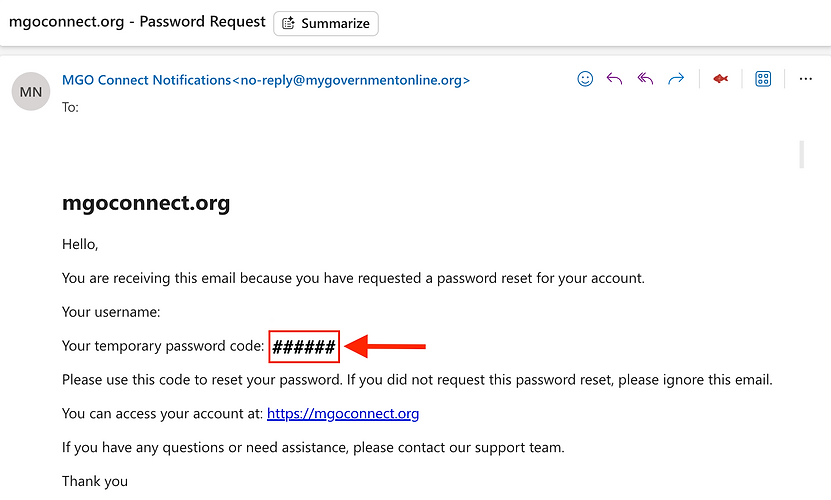
You will be sent a PIN code to the email associated with your account. Please note to check your Spam/Junk folder for this email. Please give the email up to 5 minutes to arrive.
Step #3 - Complete the Process in the Portal
Return to MGOconnect.org and input the Pin # into the prompt:

Step #4 - Create a New Password
You will be prompted to create a new Password

bottom of page